


eduroam: New setup required by December
As expected, the current certificate for the GWDG’s eduroam server will expire in early December. The GWDG will therefore discontinue support for old configurations as of December 1, 2026. We are currently in the transition phase, as the new configuration is already available to you and you can switch your devices over immediately. If you still wish to use your device with the old configuration from December onward, you will no longer be able to connect to the eduroam Wi-Fi network.
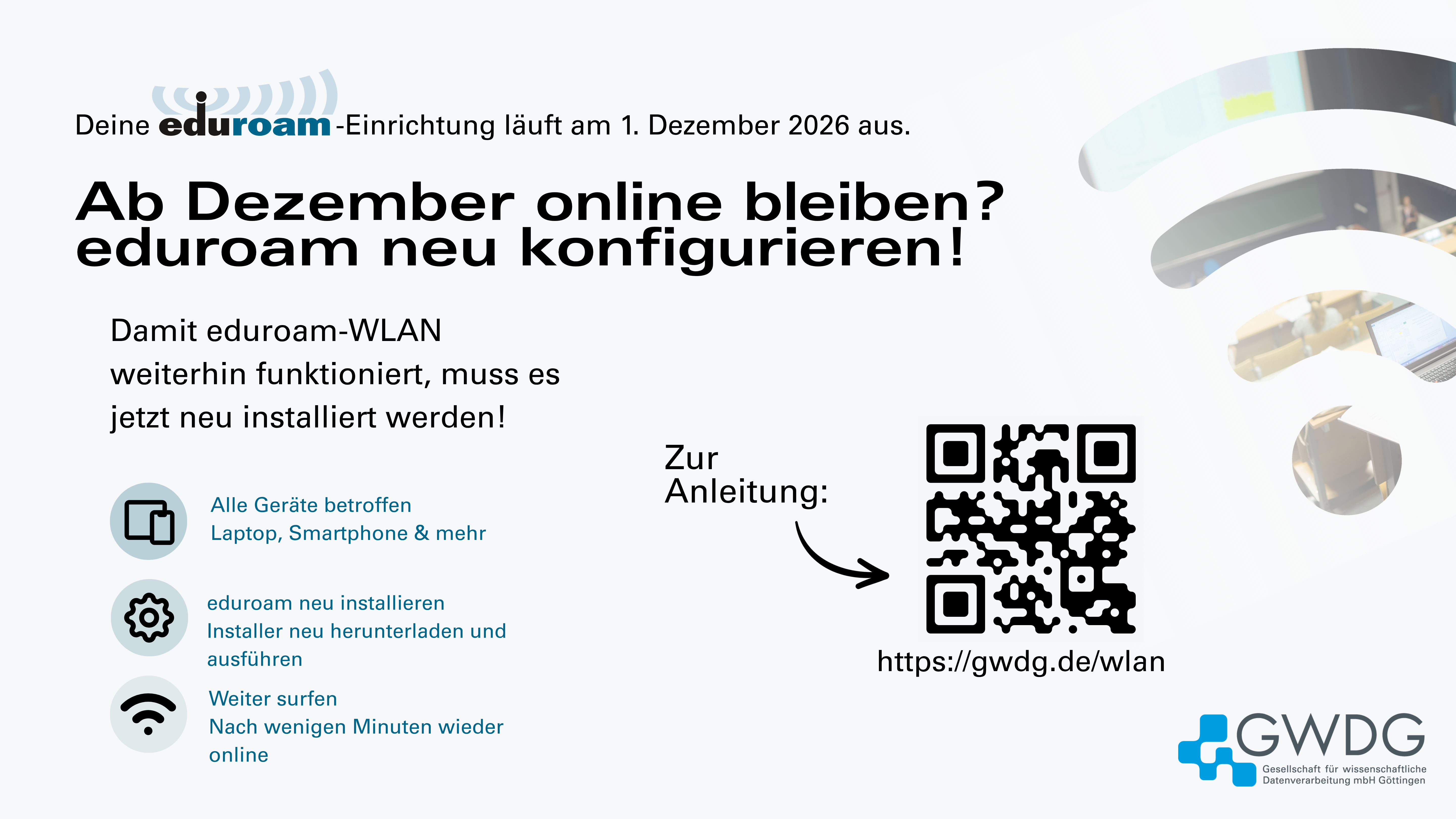
It is important to note that each device must be set up individually with eduroam (just as during the initial setup). To do this, simply follow the existing instructions for initial setup to switch over all your devices now. For example, if you access the eduroam Wi-Fi with a laptop, smartphone, and tablet, all three devices must be set up anew.
Setup instructions (also suitable for new setups):
- For students, we recommend the studIT instructions.
- For staff, we recommend the GWDG instructions.
If you set up your device after August 26, 2026, the configuration is already up to date. If you are unsure when your device was set up, you can simply reconfigure it using the current instructions from studIT and the GWDG. Old configurations for the eduroam Wi-Fi from previous semesters (until August 2026, inclusive) will no longer be supported as of December 1, 2026. Anyone who has not yet updated their settings will then need to complete the eduroam setup for example, via the open Wi-Fi network “GuestOnCampus.”
If you would like to know more about the background (GWDG certificate eduroam CA), please look here.
If you have any further questions or encounter problems with the new eduroam setup, please contact support@gwdg.de by e-mail.